What matters most in this guide
- A strong WhatsApp template program is organized around customer moments and workflow state, not around disconnected department requests.
- Utility, marketing, authentication, and service templates each need different governance, timing, and reporting rules.
- Operational value depends on what happens after a customer receives, ignores, clicks, or replies to a template.
- Regular review of template performance, category fit, and variable quality keeps the channel trustworthy and effective.
Build template strategy around the customer lifecycle
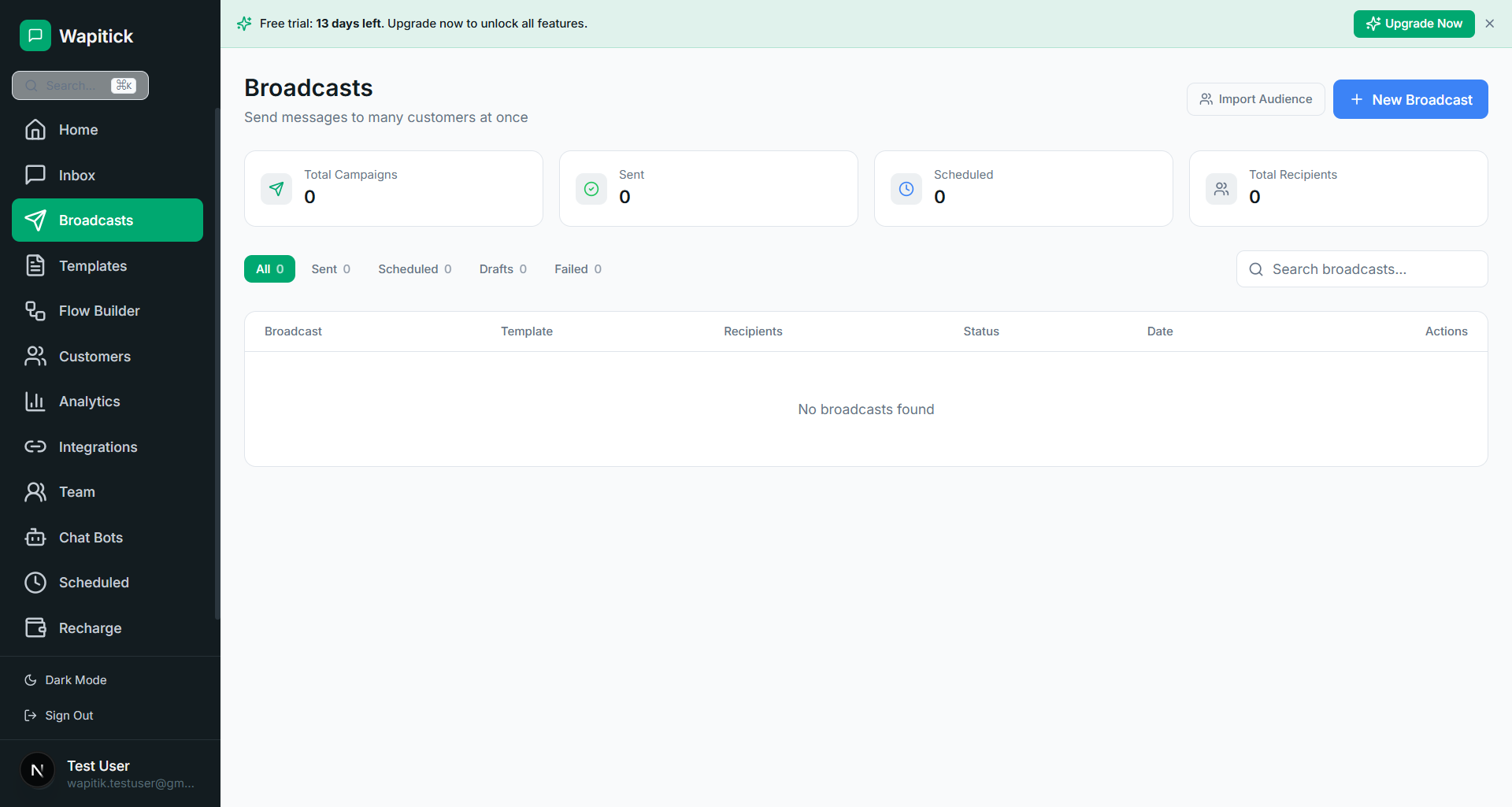
WhatsApp templates are often discussed as a compliance hurdle or a message-format requirement, but that framing is too narrow for operations teams. In practice, templates shape how a business communicates at scale, how it protects customer trust, how it structures follow-up, and how it avoids operational dead ends. The right question is not simply whether a template can be approved. The more important question is whether your template strategy reflects the kinds of customer moments your business actually needs to handle. If it does not, your team will be forced into awkward workarounds that slow execution and increase risk.
The four message categories that matter most in current WhatsApp Business operations are marketing, utility, authentication, and service. Each one carries different expectations and implications. Marketing templates are appropriate when the business is promoting, re-engaging, or announcing. Utility templates are the backbone of many operational workflows because they support expected transactional communication such as reminders, order status, payment notices, and confirmations. Authentication templates protect trust-sensitive journeys such as login or recovery. Service messaging supports the continuing conversation. Teams that understand these distinctions make cleaner decisions about both content and process.
One reason template strategy becomes difficult is that organizations tend to design it department by department rather than customer moment by customer moment. Marketing creates promotional sends, support creates whatever messages it needs in the moment, and operations creates reminders when something breaks. The result is duplication, inconsistent tone, and unclear governance. A stronger approach is to build a message inventory around the customer lifecycle: awareness, qualification, transaction, service, exception handling, recovery, renewal, and reactivation. Once you map the lifecycle, it becomes easier to decide which category should power each step and what approvals, data, and measurements belong there.
How each template category supports operations
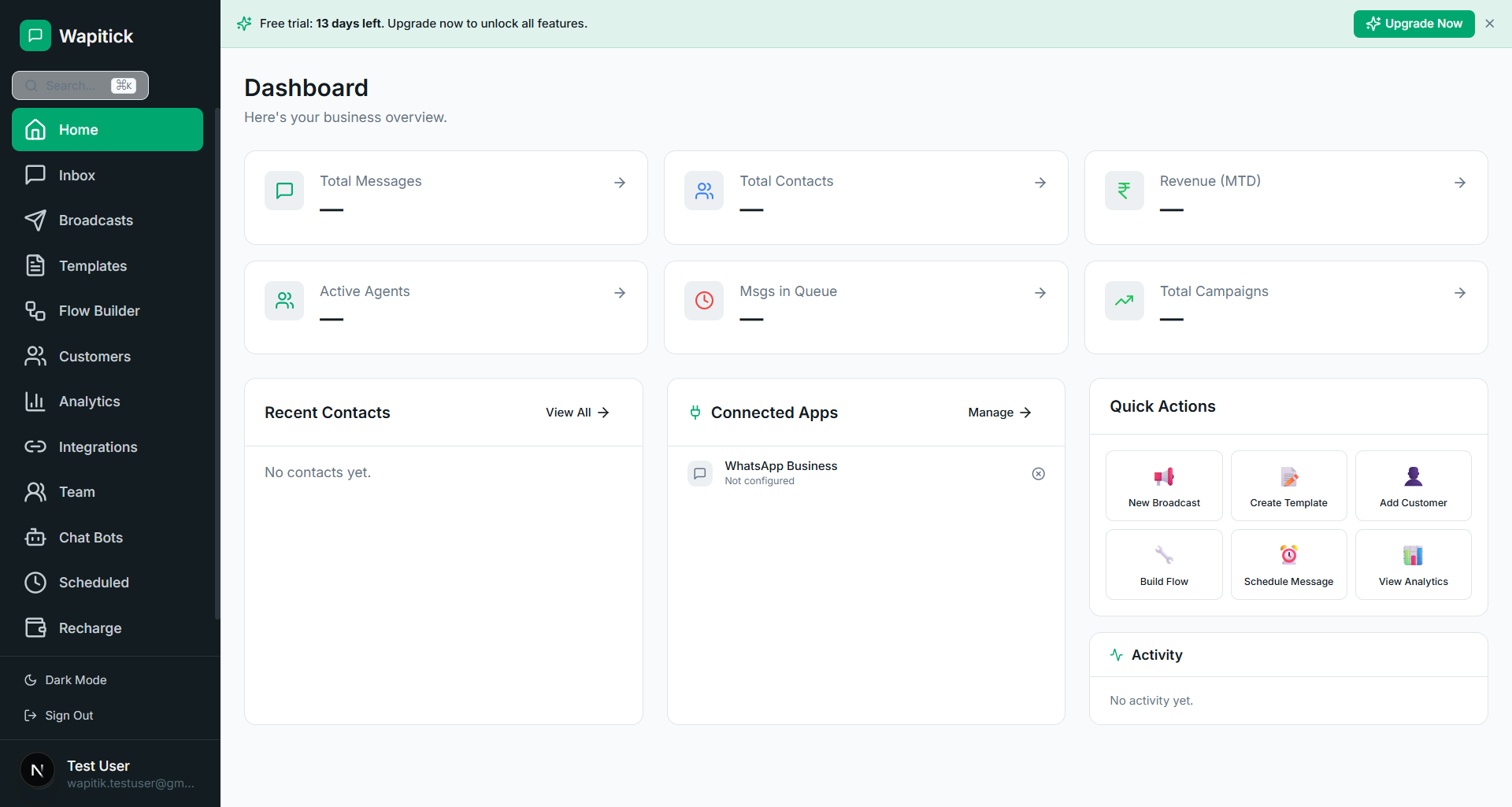
Utility messaging deserves special attention because it quietly carries a huge portion of operational value. Businesses often chase marketing performance because it is more visible, but utility templates are frequently what sustain trust: order confirmations, pickup reminders, invoice notices, appointment updates, subscription alerts, delivery changes, document prompts, and support-related nudges. These messages are expected, timely, and usually high intent. That means a well-run utility template program can reduce inbound confusion, lower manual resolution effort, and create a more predictable customer experience without feeling intrusive. In many businesses, utility communication is the operational spine of WhatsApp messaging.
Authentication templates are another category that deserves more strategic respect than it usually gets. They are not only technical plumbing. They shape some of the highest-trust moments a user experiences with your brand. When a customer receives a verification or account-recovery message, the language, timing, and consistency of that message affects perceived legitimacy. If those messages are sloppy or delayed, trust erodes quickly. Teams that manage authentication well treat it as part of product trust, fraud mitigation, and service continuity. They align the template copy with the product experience, monitor delivery carefully, and plan fallback behavior before an incident exposes a gap.
Marketing templates require discipline precisely because they are powerful. It is tempting to think of WhatsApp marketing as higher-engagement email, but that comparison can create bad habits. The channel feels more direct and more personal, which means poor targeting or low-context promotional behavior can damage customer perception quickly. A healthy marketing template program uses strong segmentation, clear value, respectful frequency, and a tightly governed opt-in strategy. The goal is not to maximize sends. The goal is to maximize relevance. High-performing teams would rather send fewer, better-timed messages to the right customers than treat the channel as a bulk-blast surface.
State management variables and support continuity
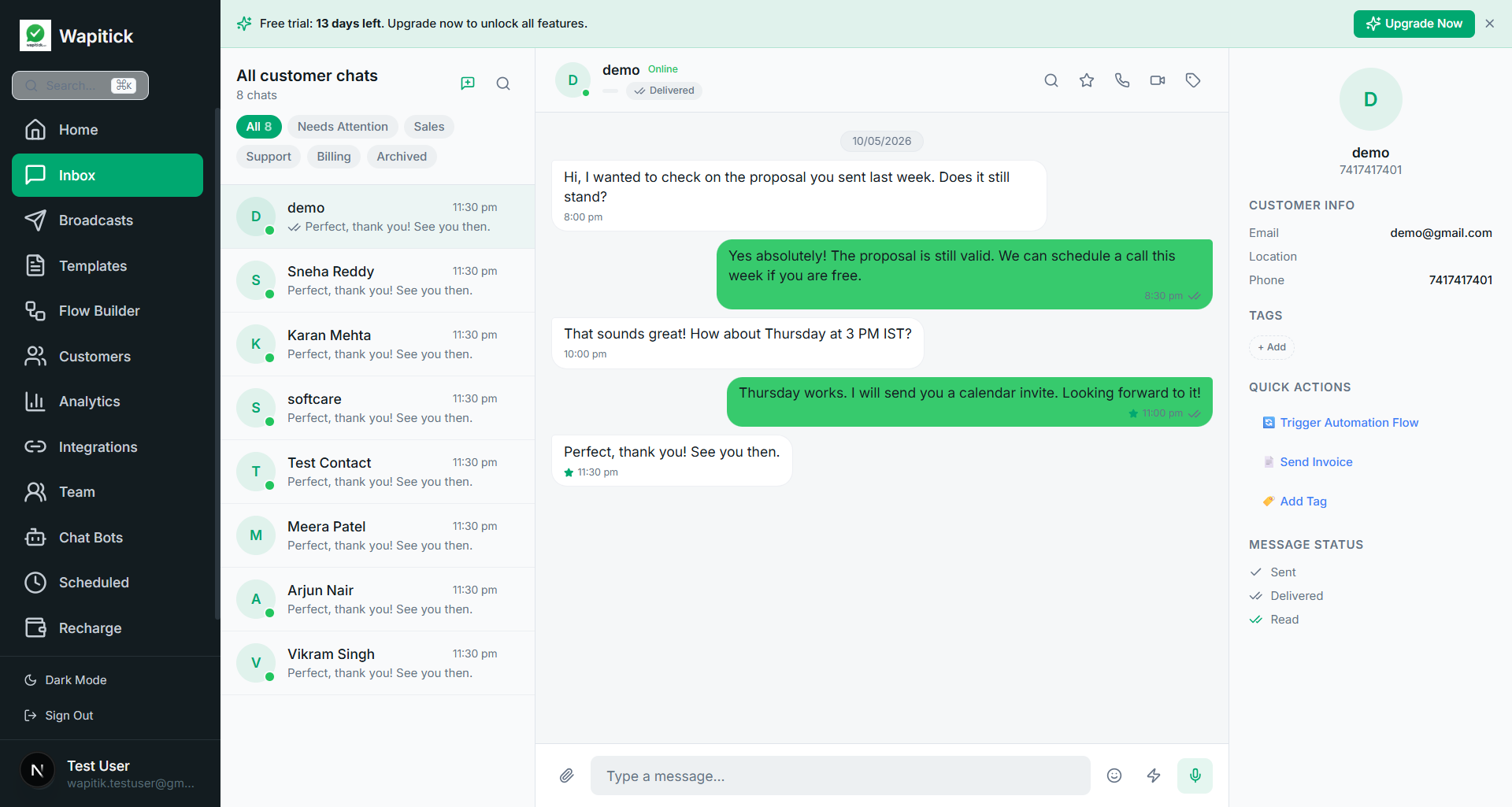
The operational challenge is often not copywriting but state management. A template does not exist in isolation. It belongs to a workflow. If a payment reminder is sent, what happens after the customer clicks or replies? If an appointment reminder is ignored, what follow-up path exists? If a customer already completed the action in another system, how quickly is that status reflected so the reminder is suppressed? Template strategy becomes much more powerful when it is tied to system state and business rules. This is why template management and operational tooling need to work together rather than living in separate silos.
Another common mistake is overproduction. Teams sometimes create large libraries of templates because it feels like progress, but an oversized library can become harder to govern and less useful in practice. A smaller library with clean naming, clear ownership, defined use cases, and stable performance is usually more valuable than a sprawling set of similar variants that no one trusts. Template sprawl creates confusion about which version to use, how variables should be populated, and whether the content still matches the business workflow. Operational maturity often looks like less clutter, not more.
Variable management is also more important than it first appears. Personalization is helpful only when the underlying data is accurate, timely, and clearly understood by the operator. If template variables pull from inconsistent fields or unclear mappings, the team loses confidence in automation and falls back to manual handling. That is why businesses should document where each variable comes from, who owns the source data, what happens if the field is empty, and how the customer sees the result. Good variable hygiene turns personalization into a reliable asset. Poor variable hygiene turns it into a support risk.
For support operations, templates help create continuity beyond the live service window. If a customer goes quiet, if a case needs a structured update, or if a next-day reminder is required, a template gives the team a safe and repeatable way to continue the relationship. But the team should not treat that as a pure messaging problem. It is a resolution-design problem. The right template should align with the case state, reference the expected next action, and reconnect the customer to the relevant path, whether that means a direct reply, a Flow, a payment link, or a booking update. Templates are most valuable when they restart progress, not when they merely announce that the business sent something.
Reporting review cycles and content hygiene
Operational reporting should reflect category differences. Marketing performance should not be judged the same way as utility performance, and authentication success should not be interpreted through the same lens as campaign engagement. Teams need different scorecards. For marketing, you may care about reactivation or qualified engagement. For utility, you may care about reduced inbound support load, lower no-show rates, or faster payment completion. For authentication, you care about speed, reliability, and successful verification. Treating all templates as one generic reporting bucket hides the signal that leadership needs to make better investment decisions.
It is also wise to design a template review cadence rather than assuming that approval means permanence. Customer language changes, workflows evolve, and business rules shift. A template that was useful six months ago may now be misaligned with your current process, tone, or compliance needs. Teams should review top-volume templates periodically, retire unused ones, rename unclear ones, and update language that creates friction. This is especially important when multiple departments contribute content over time. Without curation, the library becomes harder to navigate and less representative of the current operating model.
How Wapitick turns approved templates into real workflows
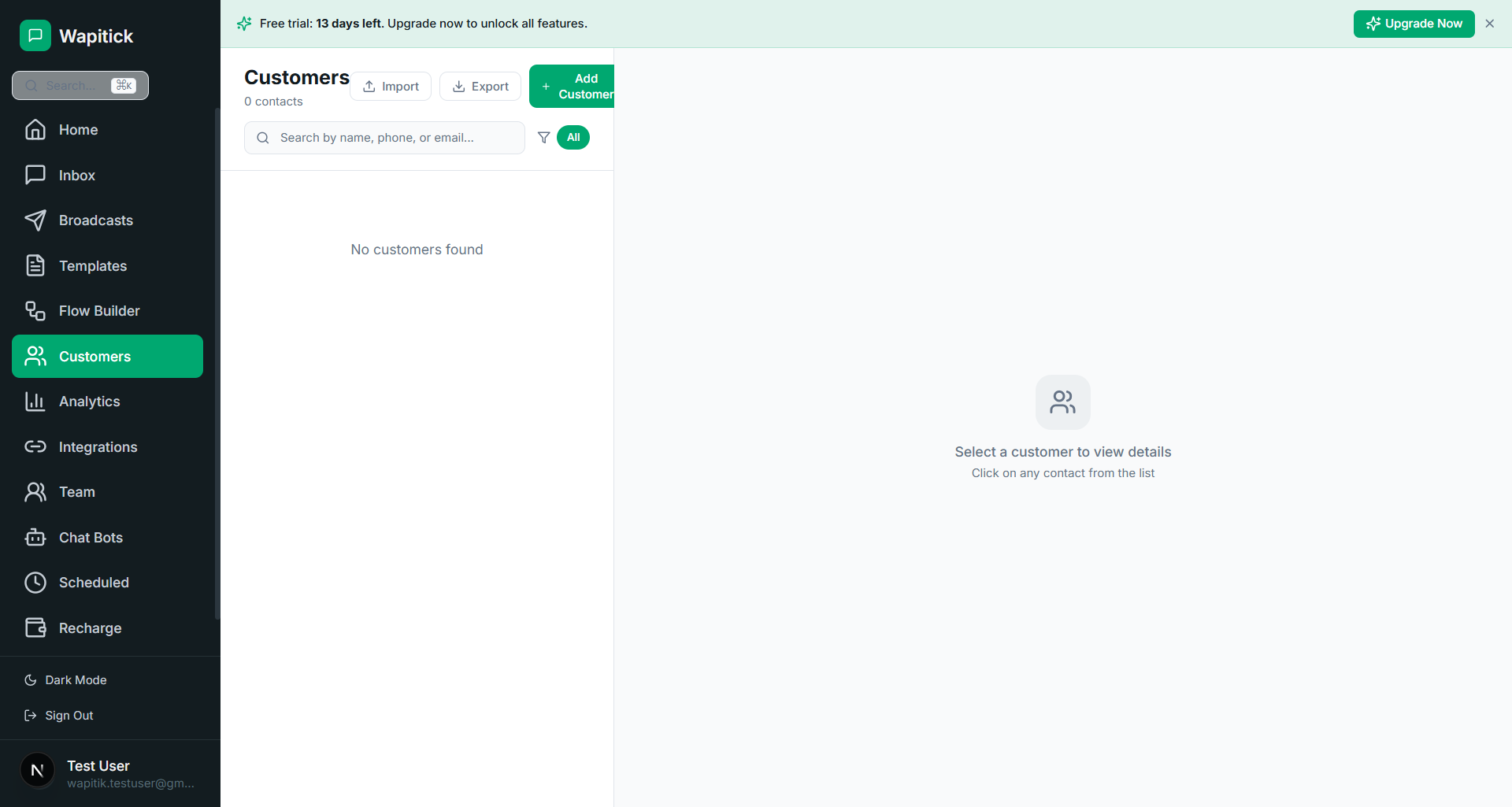
For Wapitick users, the biggest strategic gain comes from linking templates to downstream action. A utility reminder should not stop at the send. It should connect to a contact record, a conversation state, a Flow trigger, a payment status, or a team queue. A marketing re-engagement should update segmentation and attribution. An authentication event should tie back to product trust and recovery analytics. Once templates are connected to the rest of the operating system, they stop being isolated pieces of content and become durable workflow assets. That is when teams start getting compound value from each approved message rather than managing templates as static compliance artifacts.
Strong template strategy also improves internal collaboration. Support knows what approved follow-up looks like. Sales knows how qualification messages map to customer stages. Finance knows how payment and invoice reminders are triggered. Marketing knows what audience behavior should suppress or enable promotional outreach. Everyone is working from the same operational language. That shared understanding is one of the quiet benefits of a well-run template program. It reduces improvisation and helps the organization act more like one coordinated system instead of several departments competing for customer attention inside the same channel.
The best template playbooks are ultimately about trust and clarity. Customers should understand why they received the message, what action is expected, and what will happen next. Operators should understand who owns the workflow, which system state triggered the send, and how to continue the journey if the customer replies. Leaders should understand which categories are driving revenue, reducing support effort, or improving reliability. When all three groups have that clarity, templates become one of the most dependable operational tools in the WhatsApp stack rather than a source of confusion or bottleneck.